
Adding clear and high-quality photos makes your ad more attractive and increases your chances of getting buyers.
📌 When Can You Upload Photos?
You can upload photos while posting a new ad on Exchstore.
✅ Step-by-Step Guide to Upload Photos
1. Click on “Post New Ad”
- Log in to your Exchstore account
- Click on SELL button
2. Go to the Image Upload Section
- While filling out ad details, scroll to the Upload Photos section
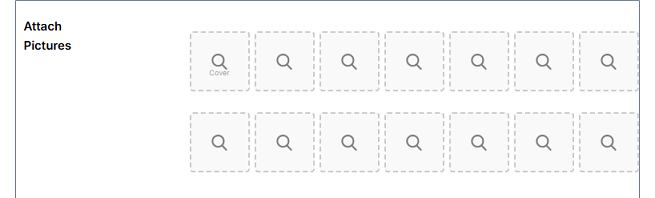
3. Select Photos from Your Device
- Click Upload / Choose Files
- Select images from your computer
- First image is considere as a cover image, so first image must be clear and in landscape mode.
4. Upload Multiple Images
- You can select multiple photos for better results
- Wait until all images are fully uploaded
5. Submit Your Ad
- Complete the remaining details
- Click Post Ad to publish
⚠️ Important Notes
- You cannot edit or change photos after posting your ad
- Make sure to upload correct images before submitting
- Supported formats typically include: JPG, PNG
💡 Tips for Better Photos
- Use clear, high-resolution images
- Show product from multiple angles
- Use good lighting (avoid dark or blurry images)
- Avoid watermarks or misleading pictures