
Posting an ad on Exchstore allows you to reach potential buyers quickly and effectively. Follow these simple steps to create your listing.
Steps to Post an Ad:
- Login to your account using your email and password or with social login like google and facebook.
- Go to the icon SELL on the right upper corner of the site.
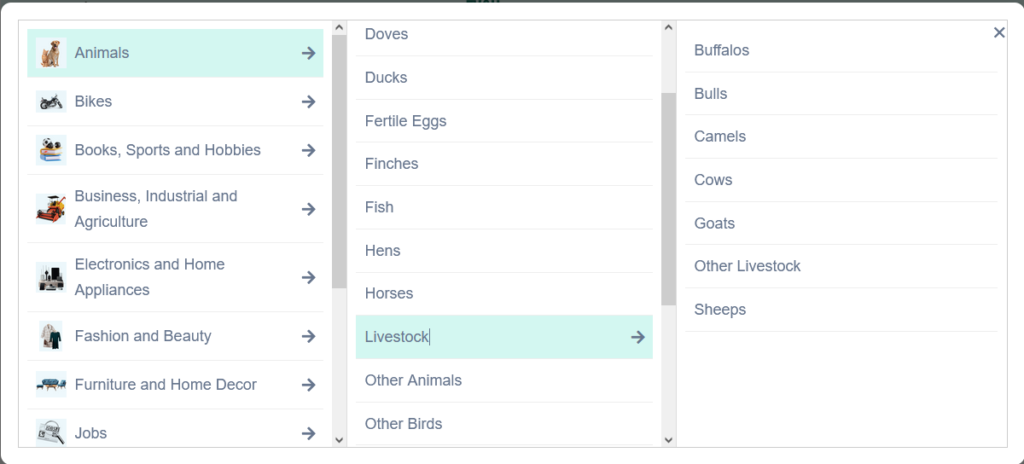
- Select the Category according to your item which you want to sell.
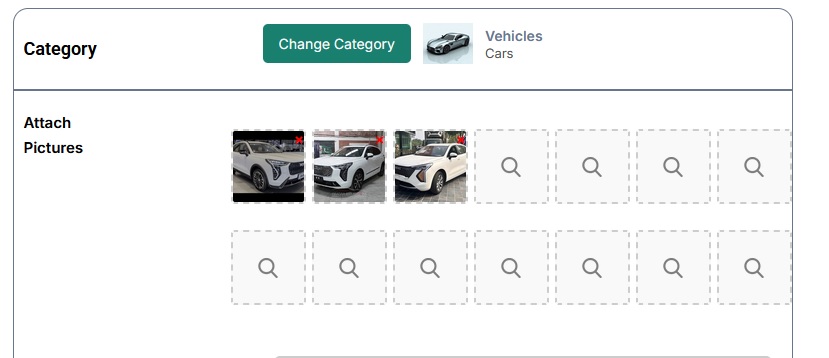
2. Attach an image, first image is considere as cover image, choose image in high quality and in landscape mood special first image and each must be below 5mb.
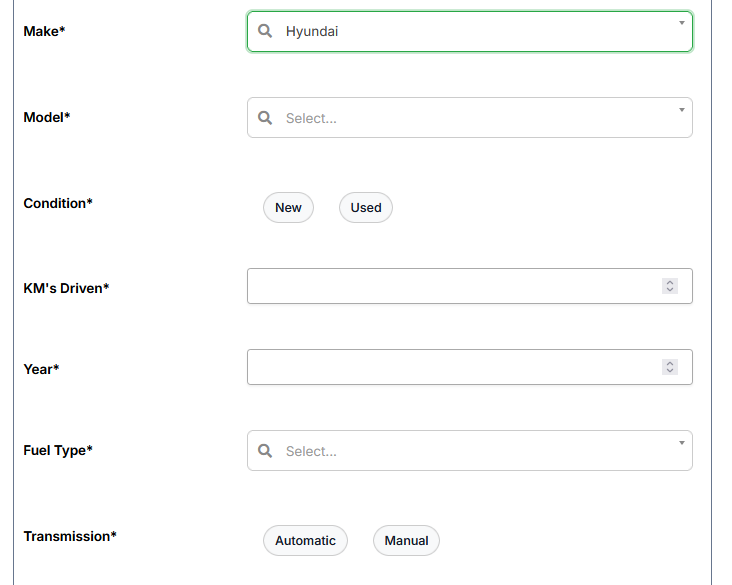
3. Next step to select car brand and according to select your brand other detailed form will appear and every field must be filled wisely as shown in the image.
4. Write a clear and detailed title & description, and Select your location and price which should be accorate as per your model price in the market so that selling product get more chances to sale or to attract more buyers.
Your ad will now be visible to buyers on Exchstore.